
Fuel Delivery Workflow
Schedule Fuel Deliveries
Custom Fuel App and TankSpotter workflow from customer order to delivered status updates.
Watch the full flow
Custom Fuel App and TankSpotter — order to delivered
Order Management Process
Schedule Fuel Deliveries using Custom Fuel App & TankSpotter App
Order Management Process
Order Intake
From customer app requests to driver scheduling via the office dashboard.
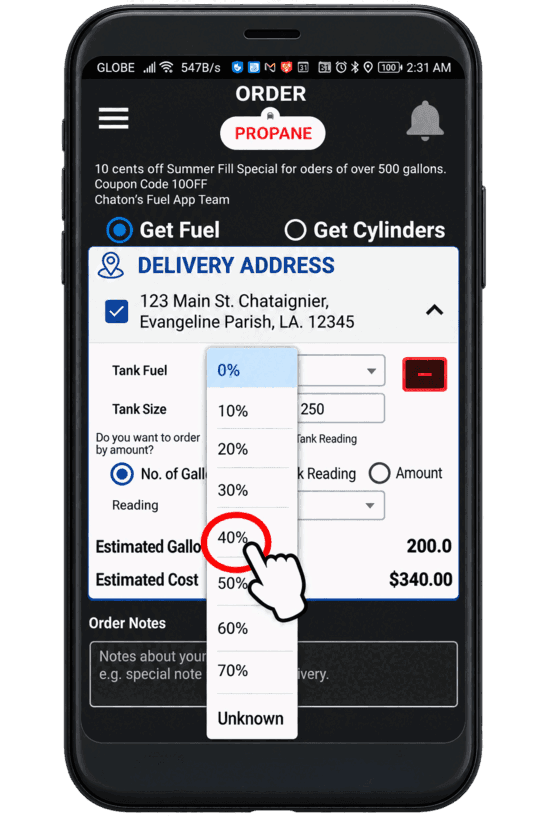
Customer App
Customer places an order through the Custom Fuel App
Office Dashboard
Office receives the order on the web dashboard and schedule it to a driver user. Seamless Order Management & Driver Workflow
Real-Time Flow
From instant order confirmation to real-time driver notifications, scheduling, navigation, and digital job completion—all in one streamlined system.
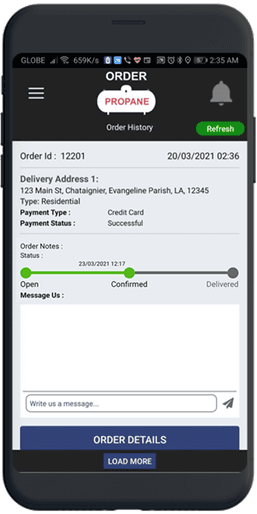
Customer App
Order status from the customer app will automatically update to Confirmed
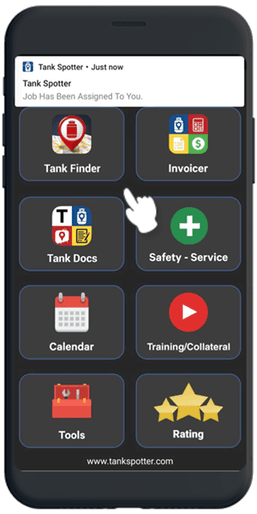
Driver App Notification
Driver's app will get a notification of the job
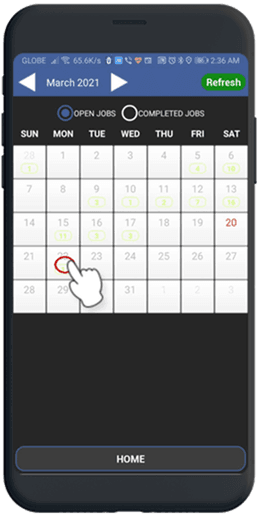
Driver App Calendar
An appointment will also be saved on the Driver app's calendar
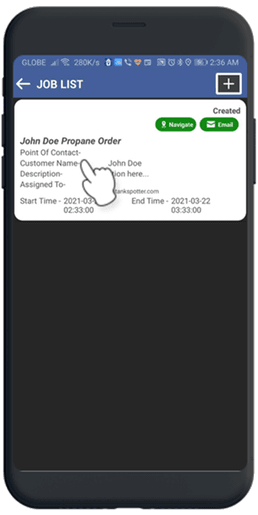
Driver App Job List
All jobs for the day will be displayed on this page. Driver also has the ability to do turn-by-turn navigation.
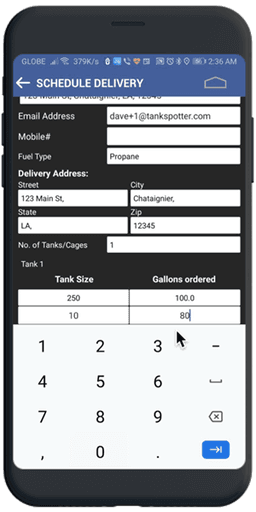
Driver App
Driver opens the digital form and fill-in the order details and submit to the office.
Delivered
Office gets the update on their dashboard and the order status will be updated from Scheduled to Delivered automatically.
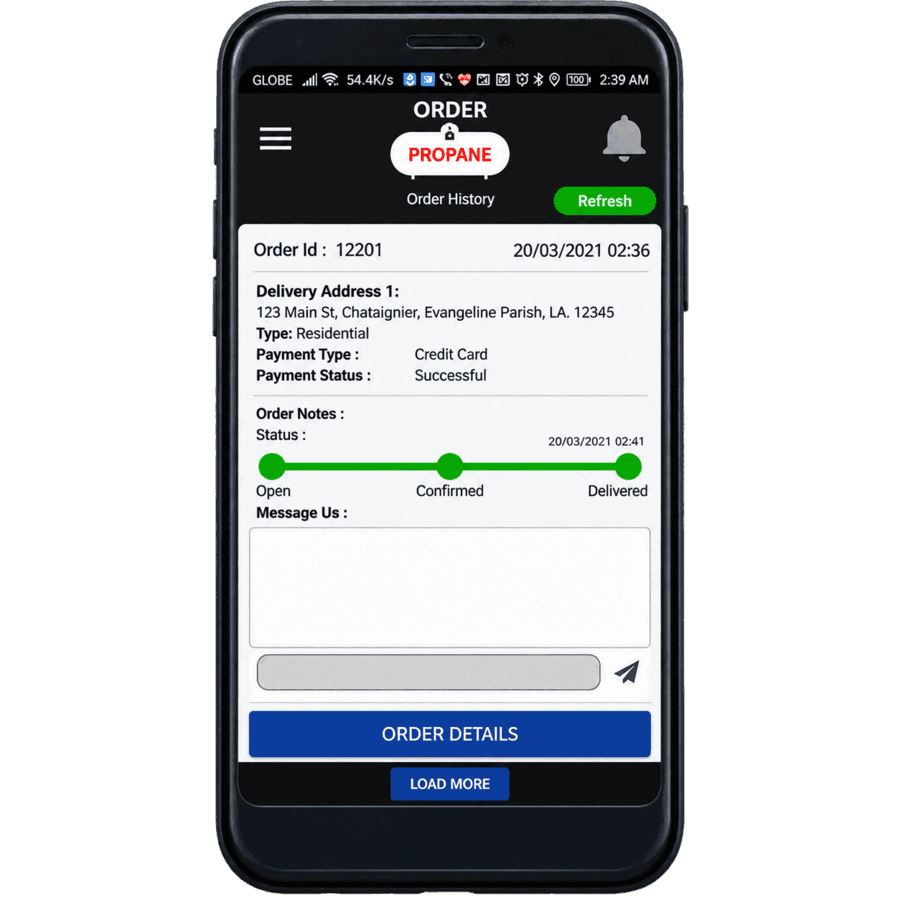
Customer App
In the customer app's order history, the order status will also be changed to Delivered.
Tankspotter Dashboard
TankSpotter Dashboard will also be updated with the job details.
Live Product Demo
See It Live

Ordering from Customer App

Scheduling the Order
COMPLETE WORKFLOW (Video)
Fuel Delivery Company Order App to Driver App
Fuel Delivery Company Order App to Driver App — complete workflow

Need This Workflow In Your Business?
Book a live demo to see scheduling, dispatch, and delivery status updates in real time.