
Handsets · Bring your own device
Runs on the phone already in your pocket
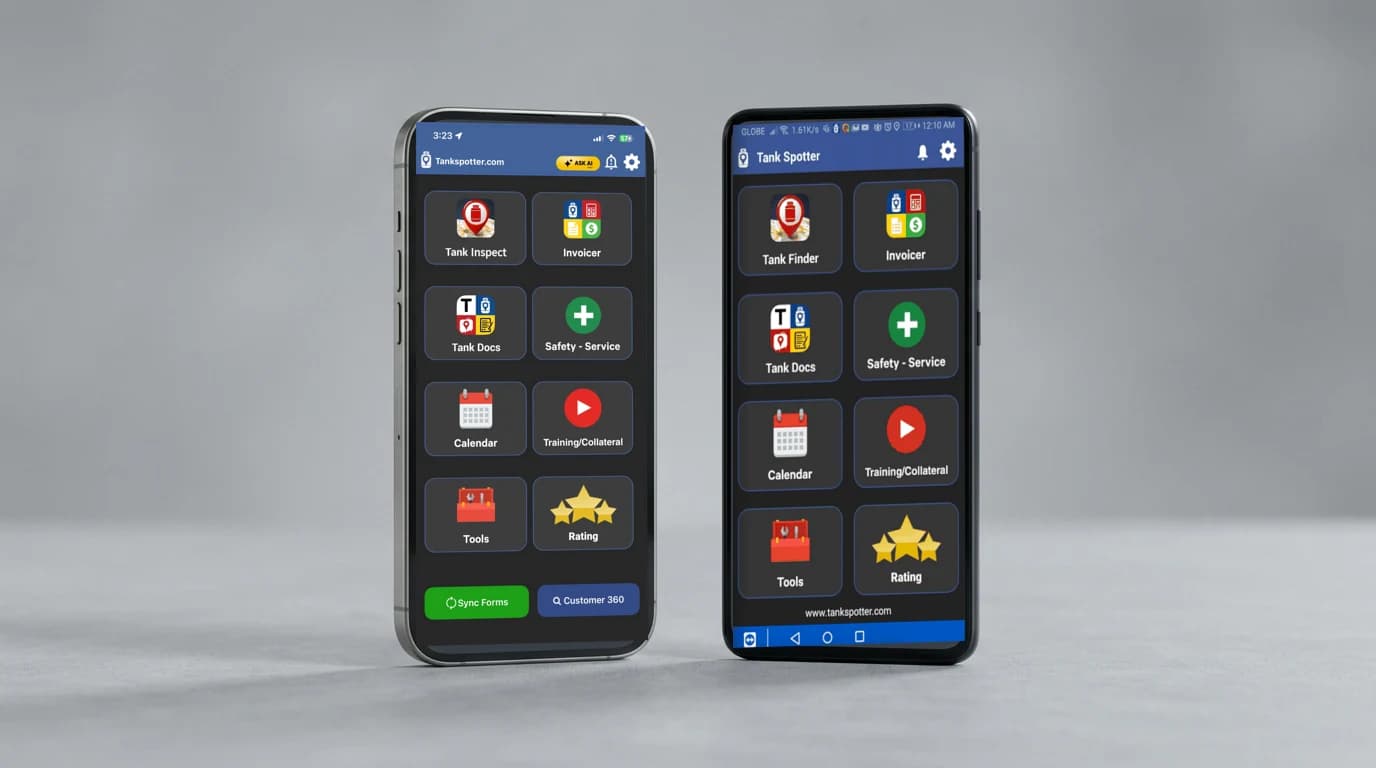
Your drivers and service techs can use Tank Spotter on iPhone or Android. Capture the work where it happens. Keep it with you when you leave the truck. Bring your own device and put the hardware you already own to work.
Real app screens. Illustrative device frames.
Use what your crew already carries
Put the device you own to work
A second field device adds another purchase and another thing to carry. Compare a compatible phone or tablet you already own with a rugged Windows tablet before buying hardware for your crew.
The pocket benefits below apply to smartphones. Tank Spotter’s Android app is optimized for smartphones; some Android tablet features may be unavailable. Test your crew’s workflow before rollout. Windows tablets use the web dashboard, which needs an internet connection.
Scroll the comparison to see both device choices.
| At the job | Phone or tablet you already own | Rugged Windows tablet |
|---|---|---|
| Lower upfront cost | A compatible device you own can cost less to put into service because you may avoid another hardware purchase. | Buying a dedicated rugged tablet adds a hardware purchase. Compare the full setup cost. |
| Use existing hardware | Start with the phone your driver or service tech already uses. Check the OS, battery and app features. | An existing Windows tablet may work for the web dashboard. Check the browser and internet connection. |
| Carry it in a pocket | A smartphone can stay with your crew beside the tank, away from the truck. | Check the tablet’s size and how your crew will carry it outside the cab. |
| Keep hands free to carry tools | Stow the phone in a pocket while carrying tools. Stop work safely before recording a note. | Plan where the tablet goes when your crew needs both hands for tools. |
| Avoid a special truck mount | A phone you carry can record the job at the tank without a dedicated tablet mount. | Check whether the setup needs a vehicle mount and what that adds to the cost. |
| No second phone bill | Use your existing phone plan when it meets your work needs. Check data use and company policy. | Check how the tablet will connect. A separate cellular plan can add a bill; Wi-Fi or a hotspot may suit some work. |
| Built-in GPS | Use the phone’s built-in GPS to capture the tank’s location. Test accuracy at your work sites. | Check whether the model has GPS and whether it works with your chosen software. Accuracy depends on the device and conditions. |
| Voice-to-text notes | Speak a service note with voice-to-text instead of typing it all. Review the words before saving. | Check dictation support, microphone and software setup for the tablet you choose. |
| Camera at the job | Use the phone’s camera to capture a maintenance issue while standing beside it. | Check the model’s camera and software. Test whether photos show the detail your office needs. |
| Rugged options out of the box | If you need a rugged phone, compare the model’s stated drop, dust and water ratings. A standard phone may need a protective case. | Compare the rugged tablet’s stated ratings with your work conditions. Check its limits before choosing it. |
| More device choices | Tank Spotter offers iPhone and Android smartphone apps, plus browser access on supported tablets and laptops. | A rugged Windows tablet is one option for the web dashboard. Choose the screen and connection that fit the job. |
Keep it with you
A phone your crew can carry
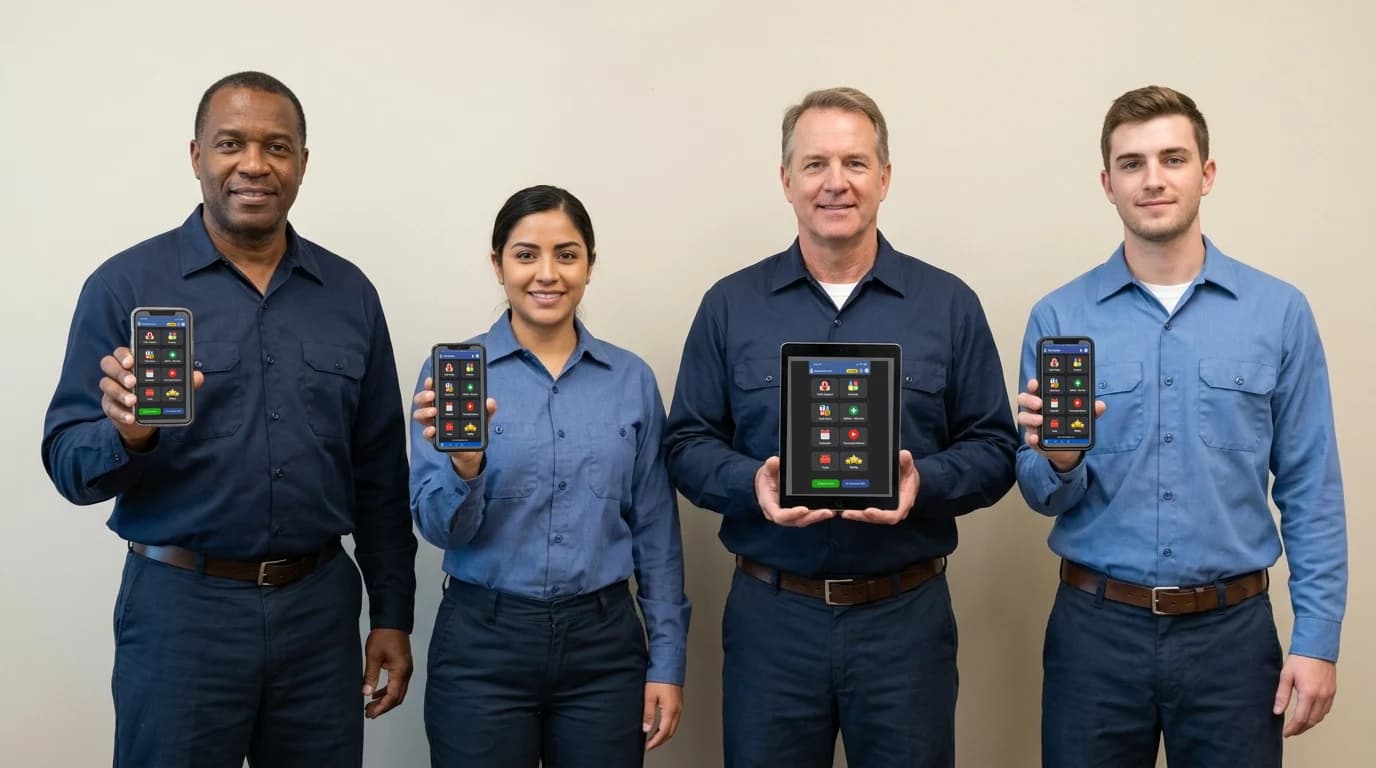
With Tank Spotter on a smartphone, your crew can carry the app in a pocket. Document a maintenance issue while standing beside it. Bring the record back to the office without relying on memory at the end of the route.
Check your device
iPhone or Android. Newer or older.
The store requirements are straightforward:
- iPhone: iOS 15 or later.
- iPad: iPadOS 15 or later.
- Android smartphone: Android 8.0 or later.
The iPhone OS requirement reaches back to the iPhone 6s, introduced in 2015. Many newer iPhones meet it too. Android phones that can run Android 8.0 or later meet the Android OS requirement; age alone does not tell you whether a phone qualifies.
Before rolling out a device, check its OS, install the app and test your crew’s workflow. Keep security updates, battery health, camera, permissions and cellular service in mind. Meeting the minimum OS requirement is not the same as a recommendation to buy an old phone.
Android’s store listing says the app is optimized for smartphones. Some features may not be available on Android tablets. Test the features you need before choosing a tablet for field work.
Read the store reviews
Google Play: 4.5 out of 5 · 65 reviewsApp Store: 4.1 out of 5 · 10 ratings1,000+ Android downloads
US listings checked October 13, 2026. Counts and ratings can change. Downloads are not active-user totals. A company subscription and login are required to use Tank Spotter.
The iPhone OS floor reaches back to the iPhone 6s, introduced in 2015. Check the store on your device before rollout.
Dozens of choices
Shop with your carrier
See the Apple and Android smartphones offered by your carrier, or compare unlocked options at Best Buy. Cricket's visible catalog had 31 smartphone models. Boost had 29 distinct models across all three pages. Check the app's OS requirements before you buy.
United States
Scroll the table to see every column.
| Shop / count scope | Apple | Android | Total | Latest Apple | Latest Android |
|---|---|---|---|---|---|
| Verizonfirst catalog page only; Swarovski decorated razr 2026 edition deduplicated conservatively | 3 | 20 | 23 | 2 | 10 |
| AT&Testimated minimum of observed smartphones; conditions combined; tablets counted separately below | 16+ | 37+ | 53+ | 3+ | 12+ |
| T-Mobileobserved subset of live extracted catalog | 8 | 28 | 36 | 2 | 11 |
| Cricketfull visible catalog; basic phone and hotspot excluded | 14 | 17 | 31 | 2 | 4 |
| Boost Mobileall three pages; renewed conditions deduplicated | 9 | 20 | 29 | 2 | 4 |
Canada
Scroll the table to see every column.
| Shop / count scope | Apple | Android | Total | Latest Apple | Latest Android |
|---|---|---|---|---|---|
| Bellobserved catalog excluding ahlo OS-unverified models and basic phones | 12 | 26 | 38 | 2 | 11 |
| Rogersrendered Rogers Ontario catalog observed confirmed smartphones; 76 results include watches/tablets/bundles/CPO duplicates; iPhone Duo coming soon excluded | 16 | 26 | 42 | 2 | 10 |
AT&T and Best Buy: phones and tablets
67+ Apple and Android phone and tablet models observed at AT&T. 69+ at Best Buy, including unlocked and carrier phones. These are estimated minimums from the models we counted, as of October 13, 2026.
Scroll the table to see every column.
| Shop / count scope | Apple phones | Android phones | Apple tablets | Android tablets | Total | Latest Apple | Latest Android |
|---|---|---|---|---|---|---|---|
| AT&TEstimated minimum from observed models; includes new and refurbished; partial catalogShop tablets | 16+ | 37+ | 8+ | 6+ | 67+ | 7+ | 12+ |
| Best BuyEstimated minimum from observed models; includes new and refurbished; partial catalogShop tablets | 9+ | 39+ | 9+ | 12+ | 69+ | 7+ | 13+ |
Latest means released October 13, 2025 through October 13, 2026. The latest columns combine phones and tablets with confirmed release dates: at least 19 at AT&T and 20 at Best Buy. Unverified releases are omitted. Colors, storage, carrier and condition variants are combined; different generations and screen-size models count separately. Partial catalogs include new and refurbished devices. Availability can change.
Sources: AT&T’s linked phone and tablet catalogs; Best Buy’s unlocked phones, carrier iPhones, iPads and linked Android tablet catalog. These are shopping options; check OS requirements and your crew’s features before choosing a device.
Catalogs checked October 13, 2026. Counts are distinct observed smartphone models, with colors, storage and condition variants combined. Verizon is a first-page subset; T-Mobile, Bell and Rogers are observed subsets. Bell and Rogers use Ontario catalogs. AT&T is an estimated smartphone minimum, with its tablets shown in the phone-and-tablet table.
In the carrier tables, latest columns retain the observed iPhone 18 Pro / Pro Max, Pixel 11, Samsung S26 and Galaxy Fold8 / Flip8 flagship subsets, except AT&T, which counts confirmed releases in the last twelve months. The AT&T and Best Buy phone-and-tablet table uses that twelve-month definition for both retailers.
The same model may appear at several carriers. These counts are shopping choices, not a device certification list or a summed total of unique compatible phones.
At the job
Keep working when the signal drops
Tank Spotter’s Apple and Android mobile apps are designed for work on and off the grid. The apps keep the information you capture while outside cellular range and automatically sync it to the office when connectivity returns.
A cellular smartphone is the practical choice for a driver or service tech moving between stops. Wi-Fi-only tablets need a Wi-Fi connection to upload records. Offline capture helps you keep working; the office receives the records after the device reconnects and syncs.
Photo-backed records
Make the safety record at the job
Capture photos, latitude and longitude, date and time, signatures and voice-to-text notes. Give the office a record of what your crew found and what needs follow-up.
Better documentation can help your team identify maintenance needs, manage follow-up and keep promises to customers. It supports the records you use in your NFPA 54 and NFPA 58 procedures. The app does not certify compliance or replace training, inspections or your company’s safety responsibilities.
Consistent documentation and timely action can help lower risk. They may also help lower insurance costs, depending on your insurer, coverage and actual safety practices.
The right screen for the job
Your office dashboard can come with you
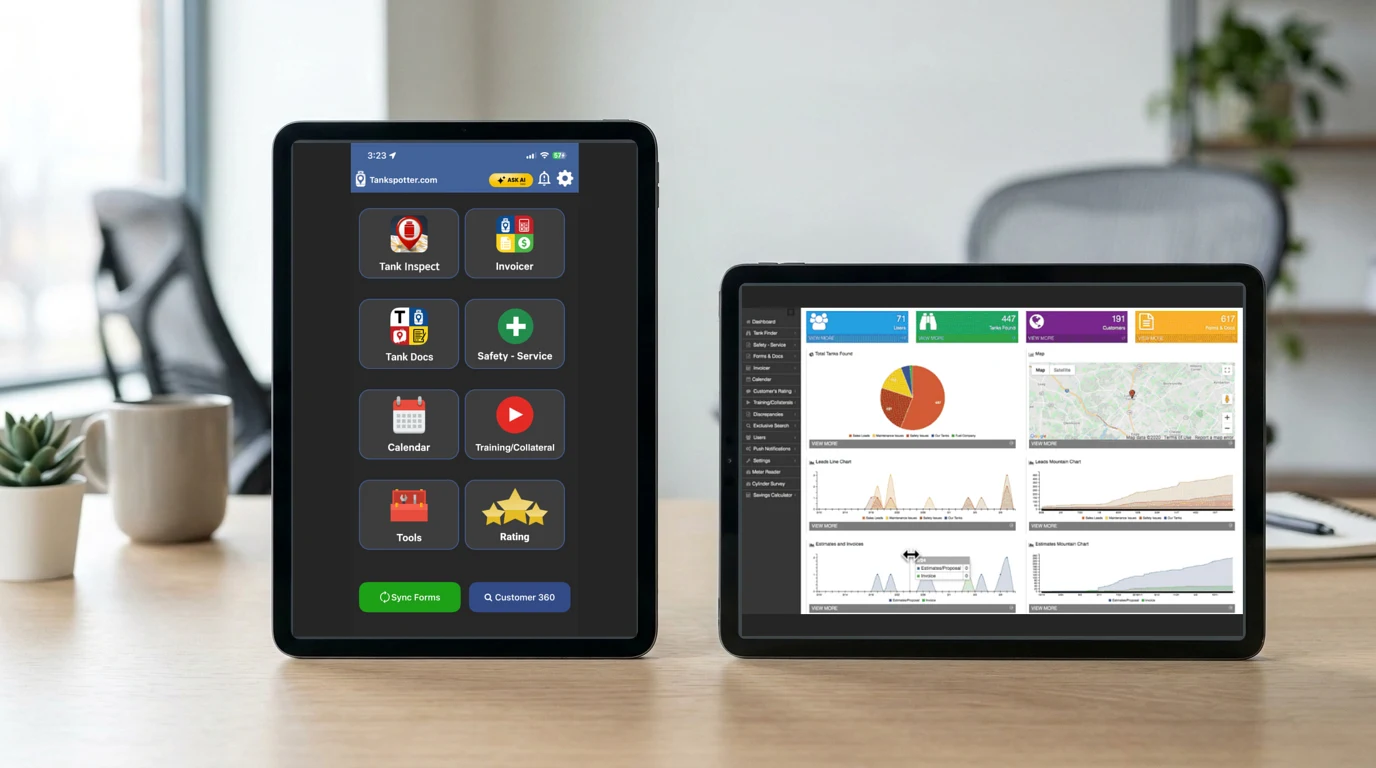
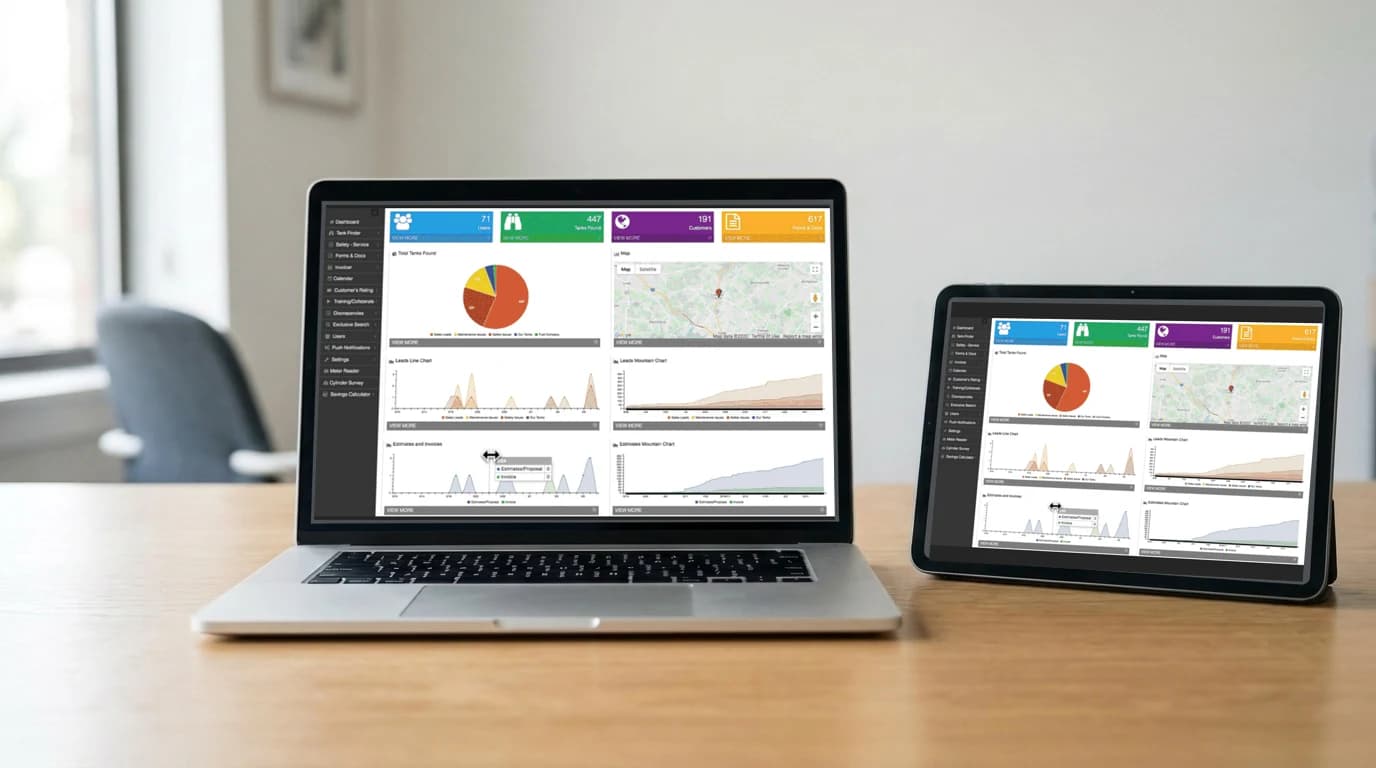
Managers, office staff and lead service techs can open the Tank Spotter web dashboard in a supported modern browser. Use a Windows, Mac or Chromebook laptop. Use a Windows tablet, iPad or Android tablet, including Google tablets.
Choose the screen that suits the work. A bigger screen can make office work easier while you are away from your desk. Browser access to the web dashboard is separate from the offline field mobile apps and requires an internet connection.
Handset questions
Do I need special hardware to use Tank Spotter?
No. Tank Spotter has iPhone and Android smartphone apps. A compatible device you already own may be suitable. Check the app’s OS requirements and test the features your crew needs before rollout.
Does Tank Spotter work without cellular service?
The Apple and Android mobile apps store information on the device outside cellular range and upload it after connectivity returns. The office will see that information after the device reconnects and syncs.
Can I use a Wi-Fi-only tablet in the field?
Wi-Fi-only tablets need Wi-Fi to upload records. For crews moving between stops, we recommend a compatible cellular smartphone. The Android app is optimized for smartphones, and some Android tablet features may be unavailable.
Does it work on older phones?
The iPhone app requires iOS 15 or later, and the Android app requires Android 8.0 or later. Some older phones can meet those requirements. Check the OS, security updates, device condition and your workflow before putting one into service.
Can I use the office dashboard on a tablet or laptop?
Yes. Open the web dashboard in a supported modern browser on a Windows, Mac or Chromebook laptop, or a Windows tablet, iPad or Android tablet. The web dashboard requires an internet connection.
See it on the devices you use
Bring your phone or tablet questions to a demo. We’ll walk through the workflow and help you check the device choices for your crew.